There are two ways to download a Facebook video. First is using an online Facebook Video Downloader and second is using a mobile app that lets you save videos to your device directly.
How to Download Facebook Videos Online
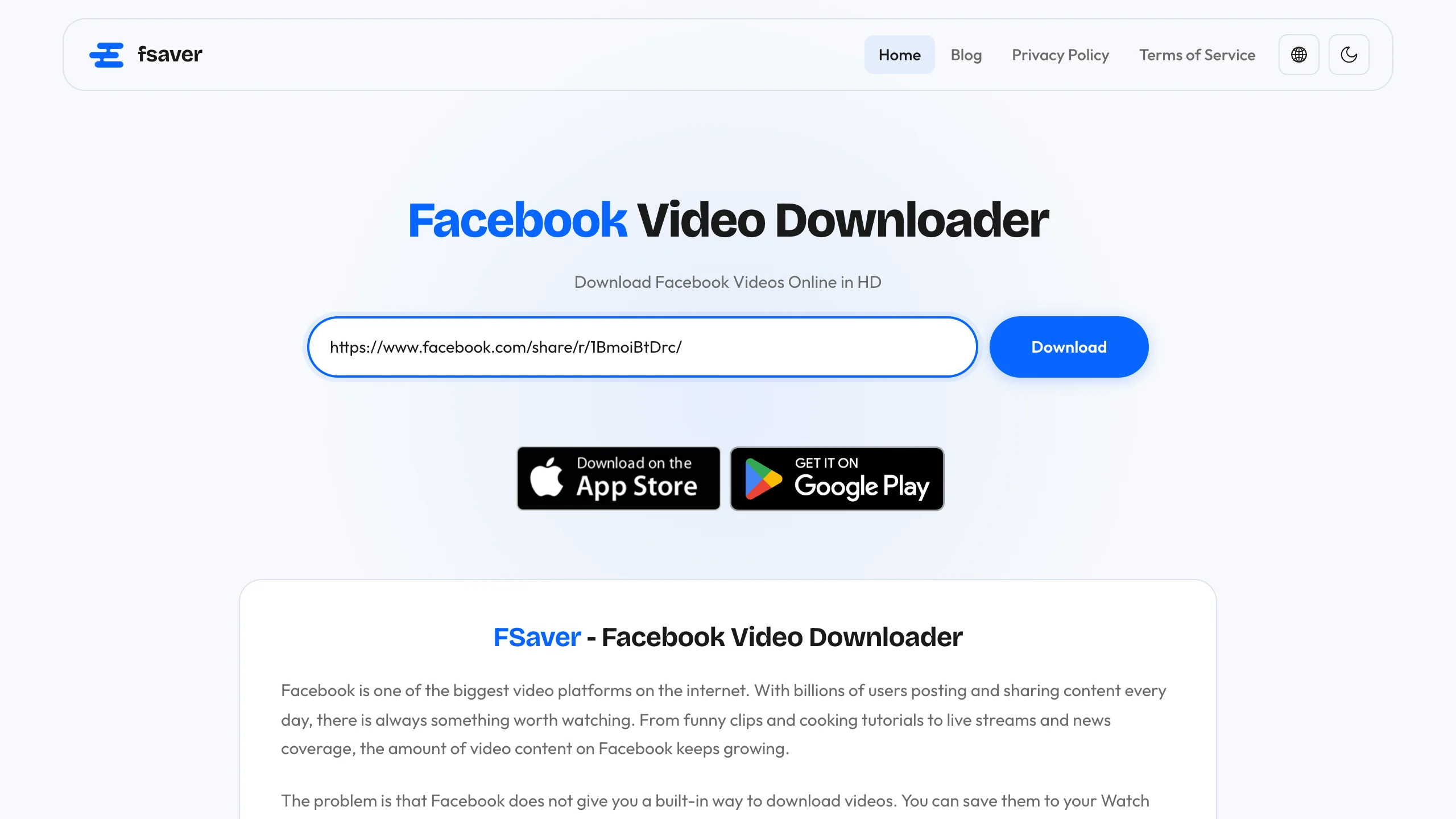
Downloading videos from Facebook online could not be easier. Just go to Facebook Video Downloader, paste the link of the Facebook post you want to download from and click on Download.
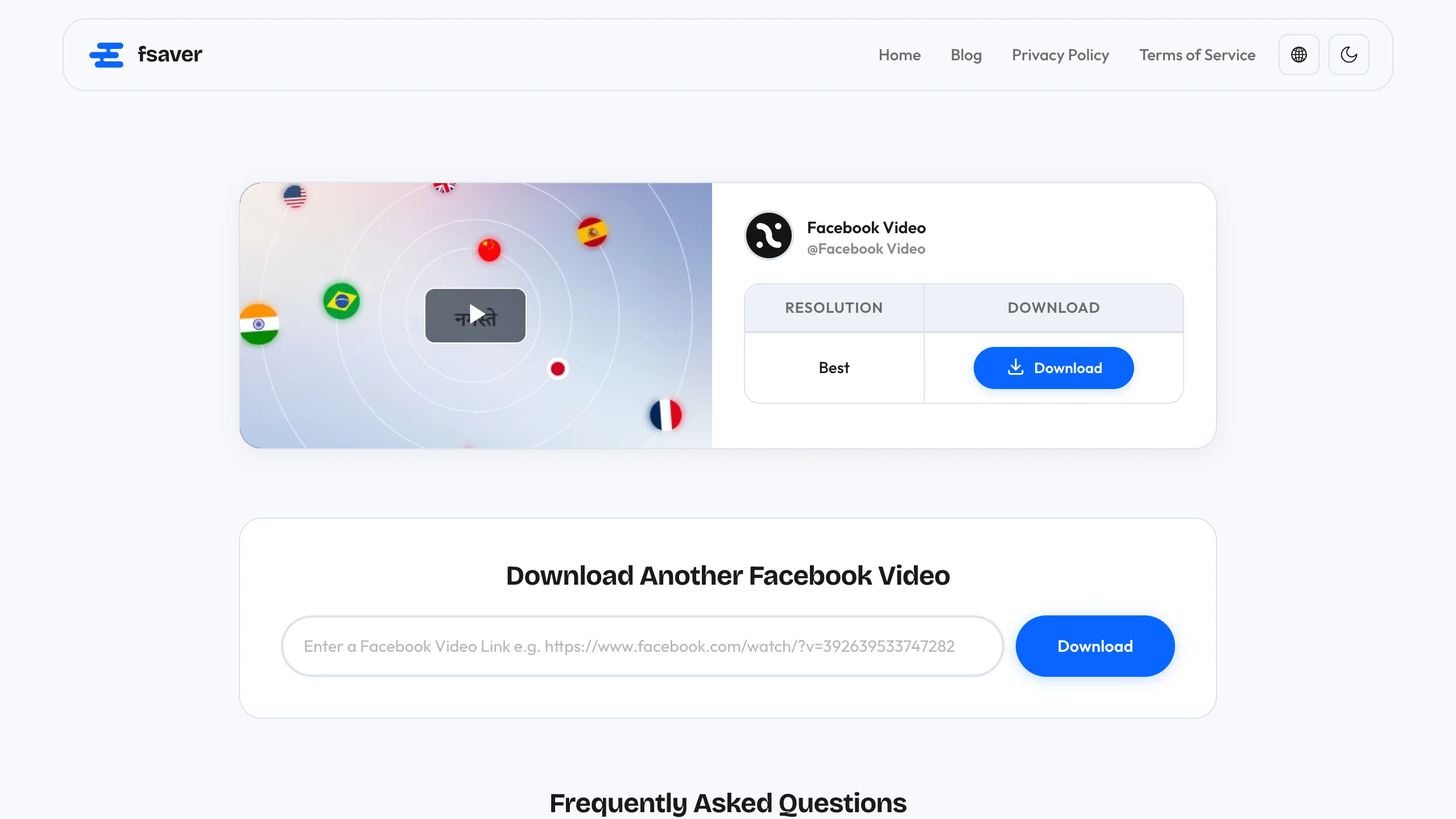
You will then be taken to a download page where you can choose your preferred video quality and download the video by clicking on the Download button. That is it.
How to Download Facebook Videos Using FSaver Apps
If you download a lot of videos from Facebook, using a mobile app is a lot more convenient. We built a dedicated app for both iPhone and Android so you can save videos straight from the Facebook app on your phone, without copying links into a browser every time.
How to Use FSaver on iPhone
First, install the FSaver app from the App Store. Once it is installed, open the Facebook app and find the video you want to save. Tap the share icon below the post and choose Copy Link.
Open the FSaver app, paste the copied link into the input field, and tap Download. The video saves to your iPhone's Photos app and you can watch it offline anytime.
How to Use VDFR on Android
On Android, the app is called VDFR. Install VDFR from Google Play. After installing it, open the Facebook app, go to the video you want to save and tap the three-dot menu in the top right of the post. Choose Copy link from the list of options.
Open VDFR, paste the link, and hit Download. The video gets saved to your phone's gallery under a folder called VDFR. From there, you can share it, watch it offline, or move it wherever you want.